
Sending messages via Zoho
1. First, we go through the registration using the link cliq.zoho.com.

2. After registration, use the link https://cliq.zoho.com/installapp.do?id=4352 to download our integration, click Install
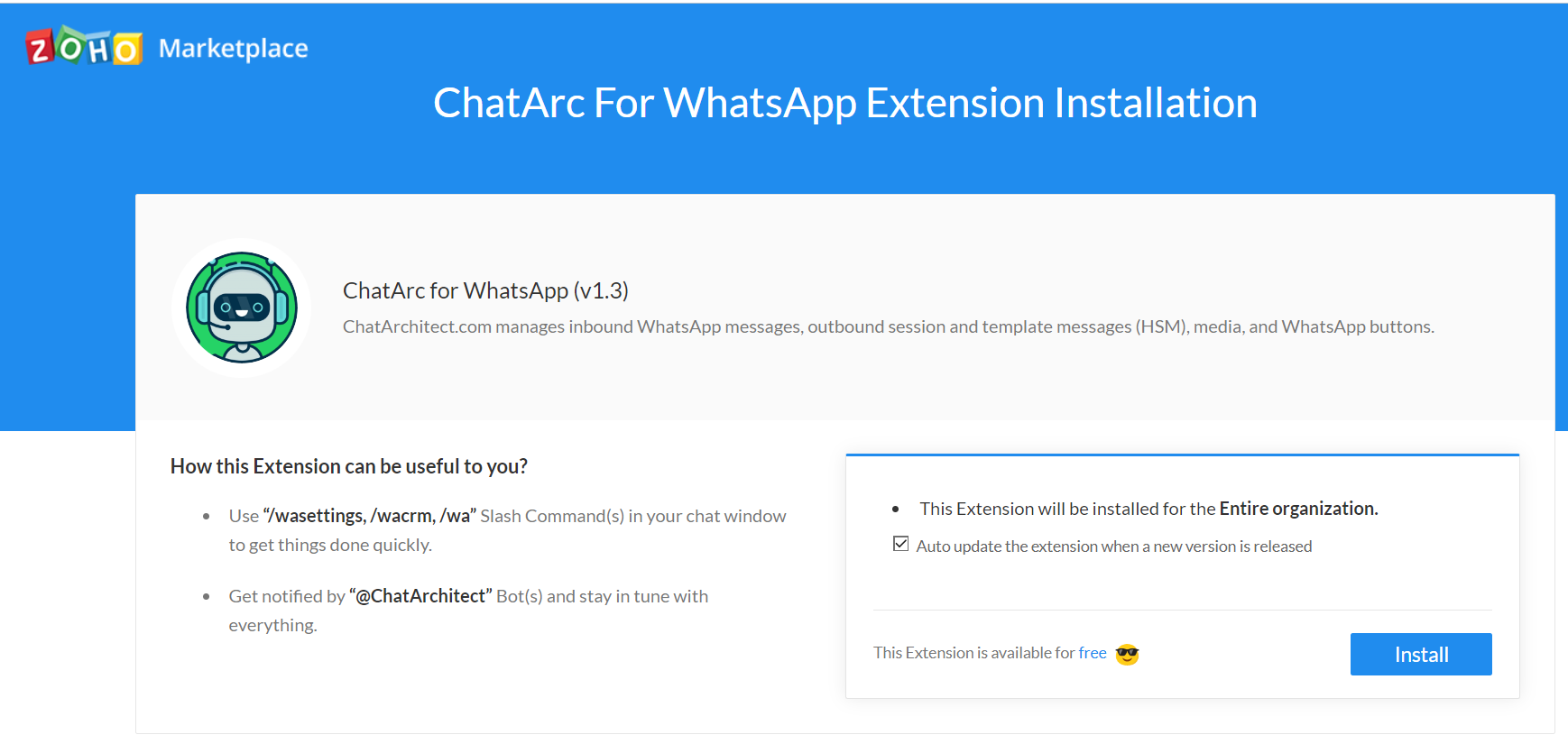
3. Then click "Grant access"

4. Press "Accept"

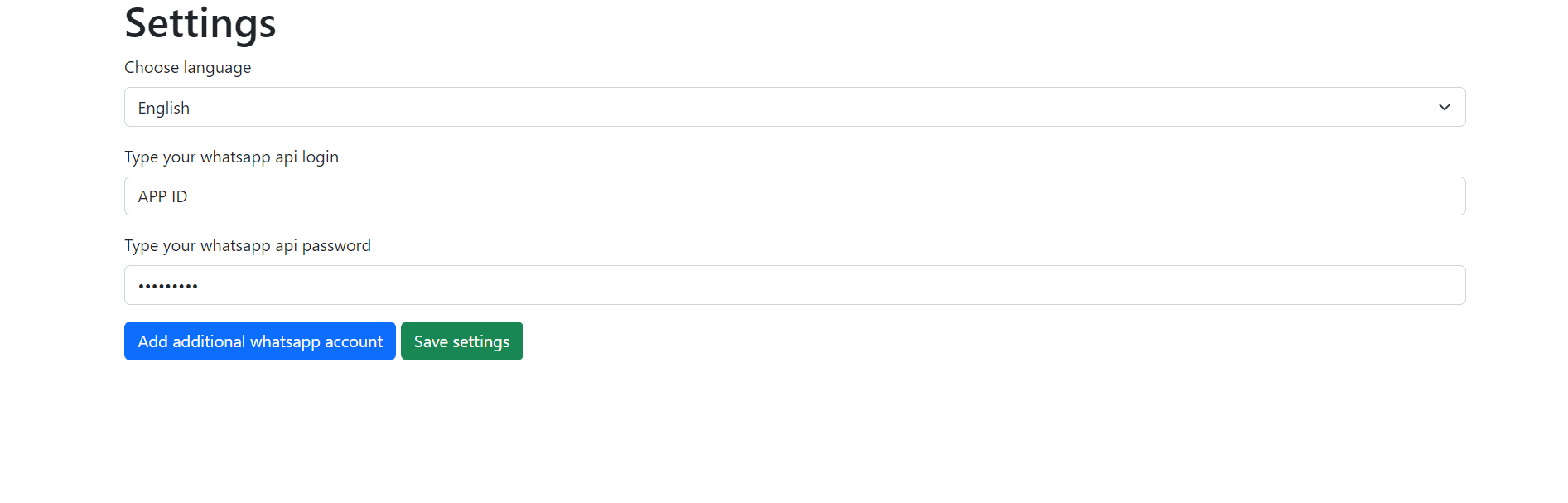
5. Next, enter your APP ID and APP SECRET and click "Save settings"
6. Next, write to your connected WABA number, it will be displayed in Threads

7. You can reply with /wa your_text (or you can quote client's message):

or:

No comments to display
No comments to display